


Copilot Studio is transforming how businesses interact with data, automate tasks, and deliver customer experiences. At PowerTech365, we offer specialised services to help you harness it to it’s full capability whether you’re building virtual agents, integrating AI into your workflows, or creating structured business applications.
Why Choose Copilot Studio Services?
Choosing Copilot Studio means embracing a future-ready platform that empowers your organisation to:
Build intelligent bots that understand natural language and respond contextually.
Automate repetitive tasks using AI-driven workflows.
Integrate with Microsoft 365 and Power Platform for seamless business operations.
Scale solutions securely with enterprise-grade governance and compliance.
Our team of certified Power Platform consultants ensures implementation is strategic, scalable, and aligned with your business goals.
Real-World Use Cases
Copilot Studio opens up a wide range of possibilities for organisations looking to improve efficiency, customer experience, and internal operations. Below are examples of how businesses can use Copilot Studio to solve real challenges:

Customer Service Automation
Customer service teams can deploy virtual agents to handle common queries, provide instant responses, and escalate complex issues. This reduces wait times and frees up staff for higher-value tasks.

Internal Knowledge Access
Employees can use powered assistants to quickly locate policies, templates, and documentation. Integrated with tools like Microsoft Teams or SharePoint, these bots streamline internal communication and reduce reliance on email.

Appointment and Booking Support
Create bots that manage appointment scheduling, send reminders, and handle cancellations. This improves user experience and reduces manual admin work.

IT and Technical Support
IT teams can automate routine support tasks such as password resets, system checks, and troubleshooting guides. Bots built in Copilot Studio can integrate with existing helpdesk systems to improve resolution times.

Training and Onboarding Assistants
New starters can interact with Copilot bots to learn about company policies, complete onboarding steps, and access training materials. This ensures a consistent experience and reduces HR workload.

Incident Reporting and Compliance
Support reporting workflows by guiding users through structured forms, logging incidents, and triggering automated follow-ups. This helps maintain compliance and speeds up response times.
Our Process
Our streamlined six-stage process is designed to ensure the seamless implementation of Power Platform solutions, guaranteeing project success from start to finish. We work closely with you throughout each phase, providing expert guidance, transparent communication, and tailored support to align with your specific needs and objectives. With our structured approach, we deliver efficiency, quality, and impactful results.
Discovery
We begin by working closely with our clients to understand their business challenges and goals. Through consultations and process evaluations, we identify how Power Platform can streamline operations and drive efficiency. With a clear vision in place, we lay the groundwork for delivering impactful, results-driven solutions.
Preparation
Before development begins, we focus on building a strong foundation for success. This may include setting up environments, migrating test data, or creating a proof of concept. By establishing clear frameworks and guidelines upfront, we ensure a smooth transition into the next phase.
Design & Development
With a defined plan in place, we design and develop intuitive solutions tailored to each client’s needs. Phase 1 begins with user-friendly Power Apps based on insights from discovery. Through iterative refinement, we ensure the solution aligns with business objectives and delivers scalable, real-world results.
Testing & Acceptance
Before deployment, we conduct thorough internal testing to ensure reliability, security, and performance. We then guide clients through User Acceptance Testing (UAT), validating the solution against expectations. Any refinements are made to ensure a seamless transition to implementation.
Maintenance & Support
Once live, we provide ongoing maintenance, support, and updates to ensure smooth operation. Proactive monitoring helps resolve issues early, while regular enhancements keep the platform efficient. We’re always available to adapt solutions as business needs evolve.
1.

Discovery
We begin by working closely with our clients to understand their business challenges and goals. Through consultations and process evaluations, we identify how Power Platform can streamline operations and drive efficiency. With a clear vision in place, we lay the groundwork for delivering impactful, results-driven solutions.
2.

Preparation
Before development begins, we focus on building a strong foundation for success. This may include setting up environments, migrating test data, or creating a proof of concept. By establishing clear frameworks and guidelines upfront, we ensure a smooth transition into the next phase.
3.

Design & Development
With a defined plan in place, we design and develop intuitive solutions tailored to each client’s needs. Phase 1 begins with user-friendly Power Apps based on insights from discovery. Through iterative refinement, we ensure the solution aligns with business objectives and delivers scalable, real-world results.
4.

Testing & Acceptance
Before deployment, we conduct thorough internal testing to ensure reliability, security, and performance. We then guide clients through User Acceptance Testing (UAT), validating the solution against expectations. Any refinements are made to ensure a seamless transition to implementation.
5.

Maintenance & Support
Once live, we provide ongoing maintenance, support, and updates to ensure smooth operation. Proactive monitoring helps resolve issues early, while regular enhancements keep the platform efficient. We’re always available to adapt solutions as business needs evolve.
Common Use Cases We Build
Copilot Studio is ideal for a wide range of business scenarios. Here are some of the most popular use cases we deliver:

Customer Service Bots
Copilot Studio can be used to build intelligent customer service bots that automate FAQs, ticket creation, and live chat escalation. These bots help reduce response times, improve customer satisfaction, and free up support teams to focus on complex queries.

HR Assistants
HR teams can benefit from Copilot-powered assistants that guide employees through onboarding, manage leave requests, and answer policy-related questions. This streamlines HR processes and ensures consistent communication across the organisation.

Sales Enablement Tools
Sales teams can use Copilot Studio to access real-time product information, pricing updates, and CRM data through conversational interfaces. This empowers sales reps with instant insights, helping them close deals faster and more confidently.

IT Helpdesk Agents
Copilot Studio enables IT departments to automate routine support tasks such as password resets, system diagnostics, and troubleshooting guides. These bots reduce ticket volumes and improve resolution times without compromising service quality.

Internal Knowledge Assistants
Organisations can deploy Copilot bots to help staff quickly find documents, policies, and training materials. Integrated with platforms like SharePoint or Teams, these assistants improve productivity and reduce time spent searching for information.

Procurement & Supplier Queries
Copilot Studio can support procurement teams by automating supplier interactions, answering common queries, and tracking order statuses. This reduces manual follow-ups, improves vendor communication, and ensures smoother supply chain operations.
View Our Other Case Studies
Real results for real businesses

Policy Management App
- 60% increase in policy update productivity
- Full visibility of tasks and acknowledgments
- Automated reminders reduce missed reviews by 80%
Read Study

Audit Integration
- 50% reduction in manual audit handling
- Site visibility across all audit sites
- Automated Client email delivery
Read Study

Recruitment Documents
- 75% reduction in HR processing time
- Error-free submissions with data validation
- Remote completion and digital signatures
Read Study
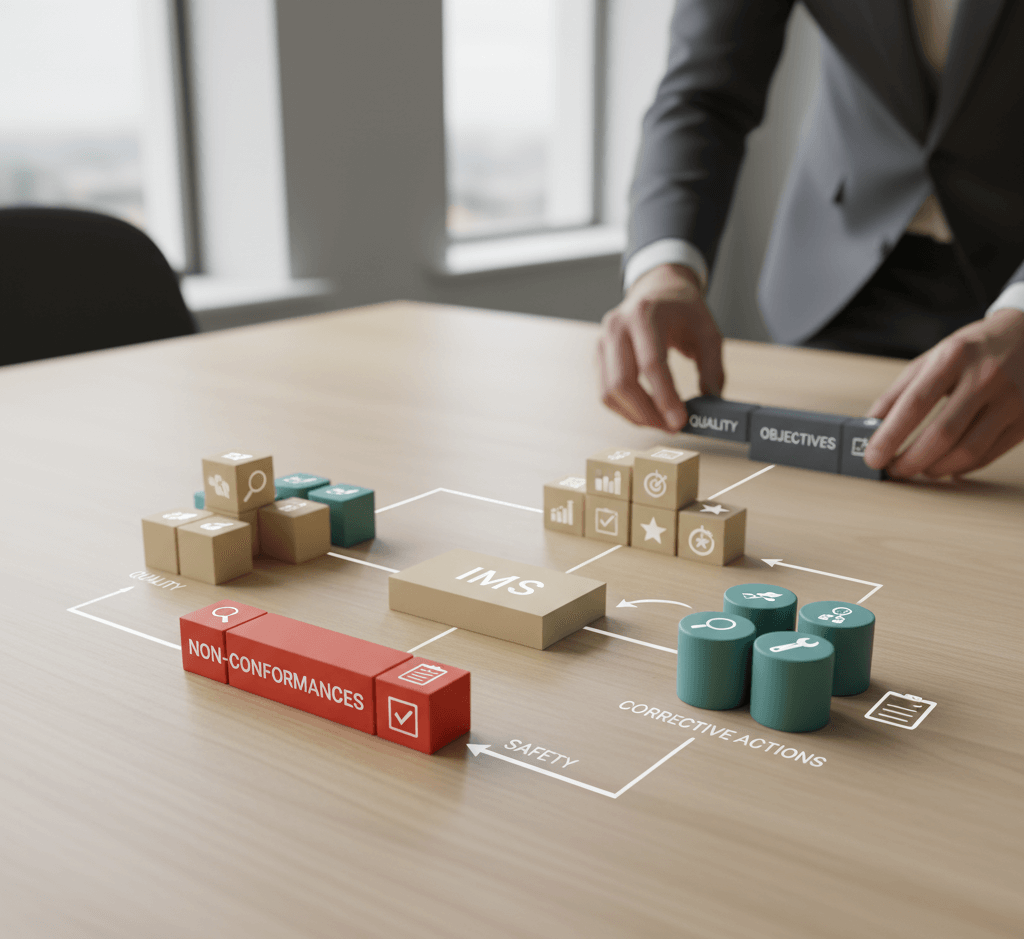
Integrated Management System
- 30% reduction in missed deadlines
- Automated notifications and timeline tracking
- Improved cross-team accountability and compliance
Read Study

Site Mobilisation
- 40% faster project start times
- Automated task creation for mobilisation workflows
- Instant workspace creation
Read Study

Asset Manager
- Eliminated manual data entry with Intune sync
- Automated PAT testing reminders for compliance
- Real-time dashboards for asset status and alerts
Read Study
FAQ
It’s a low-code platform for building AI-powered bots and virtual agents using natural language and Power Platform tools. See What is Copilot for more information
Yes, it integrates seamlessly with Microsoft 365, Dynamics 365, and other third-party platforms.
Timelines vary based on complexity, but most projects take 4–8 weeks from discovery to deployment.
