


How Power Platform Construction Management
Microsoft Power Platform offers scalable, flexible tools that help construction businesses modernise operations and improve productivity.
Benefits Include:
Real-time project tracking with dashboards and mobile apps
Automated safety checks and compliance workflows
Digital forms for inspections, permits, and site reports
Seamless integration with existing systems like SharePoint, Dynamics 365, and Excel
Mobile-first solutions for on-site teams
Real-World Use Cases in Construction
Here are examples of how construction firms can apply Power Platform to solve everyday challenges:

Site Inspection App
Imagine replacing paper-based inspections with a mobile app built in Power Apps. Site managers could log safety issues, upload photos, and assign corrective actions instantly—reducing delays and improving compliance.

Equipment Tracking Dashboard
Using Power BI, companies can create dashboards that track equipment usage, maintenance schedules, and location data. This helps reduce downtime, optimise asset allocation, and improve budgeting accuracy.

Automated Permit Workflow
Power Automate can streamline permit workflows by integrating with Outlook and Microsoft Teams. Notifications and approvals can be automated, ensuring faster turnaround and better documentation.
Practical Solutions That Support The Construction Industry
Power Apps help construction teams digitise inspections, reporting, and asset tracking. Mobile apps allow site workers to log issues, submit forms, and track equipment in real time, even offline.

Custom Apps
Power Apps help construction teams digitise inspections, reporting, and asset tracking. Mobile apps allow site workers to log issues, submit forms, and track equipment in real time—even offline. This reduces paperwork, improves accuracy, and speeds up decision-making across projects.

In App BI Dashboards
Power BI dashboards give construction managers instant visibility into project performance, costs, and resource use. Data from multiple systems is visualised in one place, helping teams spot delays, control budgets, and optimise labour and equipment.

Automated Workflows
Automated workflows streamline safety checks, permit approvals, and document routing. Tasks are triggered automatically, reducing delays and human error. Alerts, approvals, and reports are handled consistently, improving compliance and accountability.
What We Deliver
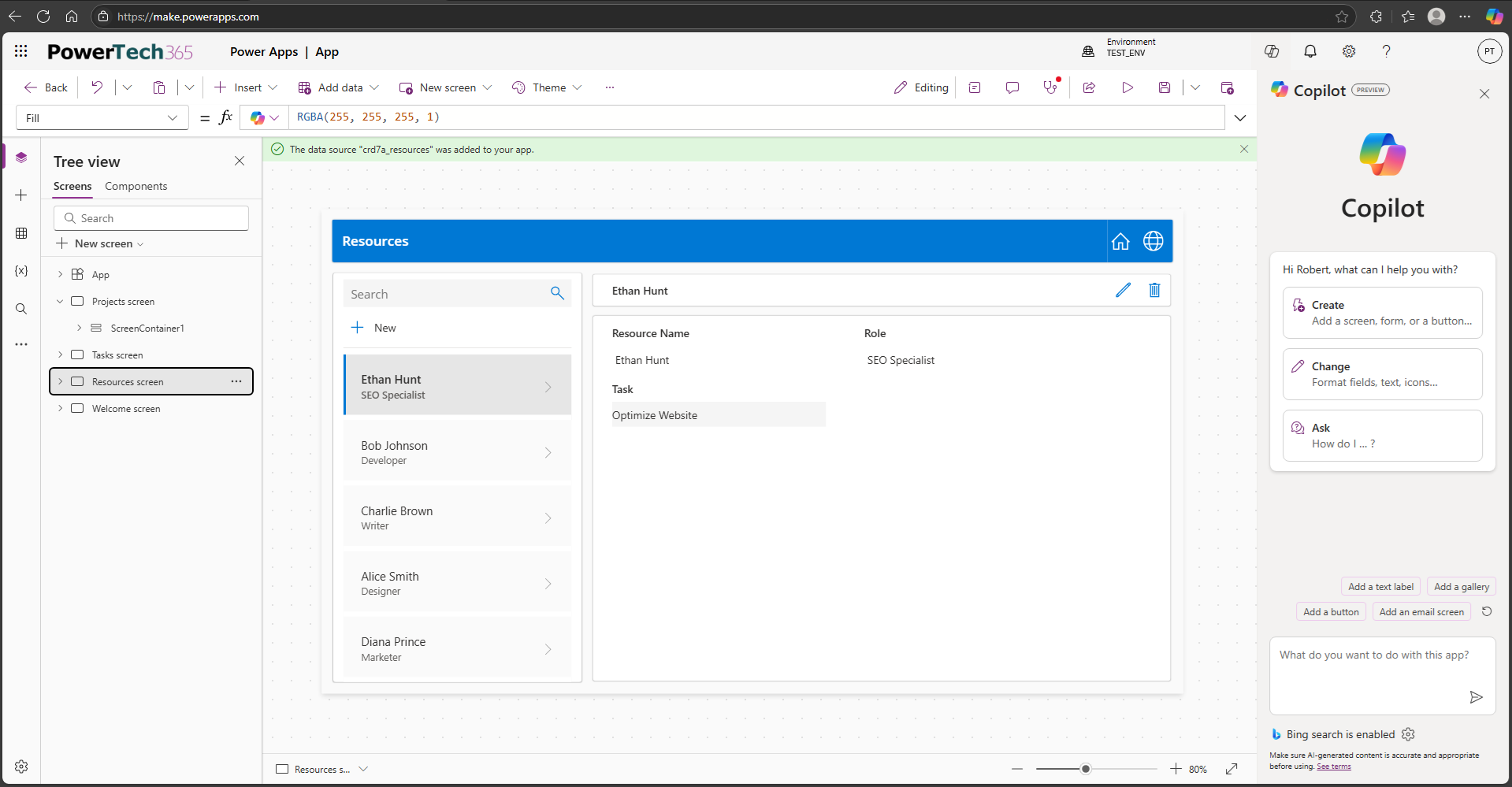
Bespoke applications with intuitive, drag-and-drop interfaces tailored to specific roles or tasks. Canvas Apps allow rapid development of mobile-friendly and desktop-ready solutions that connect to hundreds of data sources, including SharePoint, SQL, and Dataverse. Ideal for frontline workers, field teams, and customer-facing processes.

Data-centric applications built on Microsoft Dataverse, perfect for scenarios requiring complex business logic, security roles, and relational data. These apps are ideal for internal operations such as case management, compliance tracking, and CRM-style workflows. They offer a consistent user experience and are highly scalable.
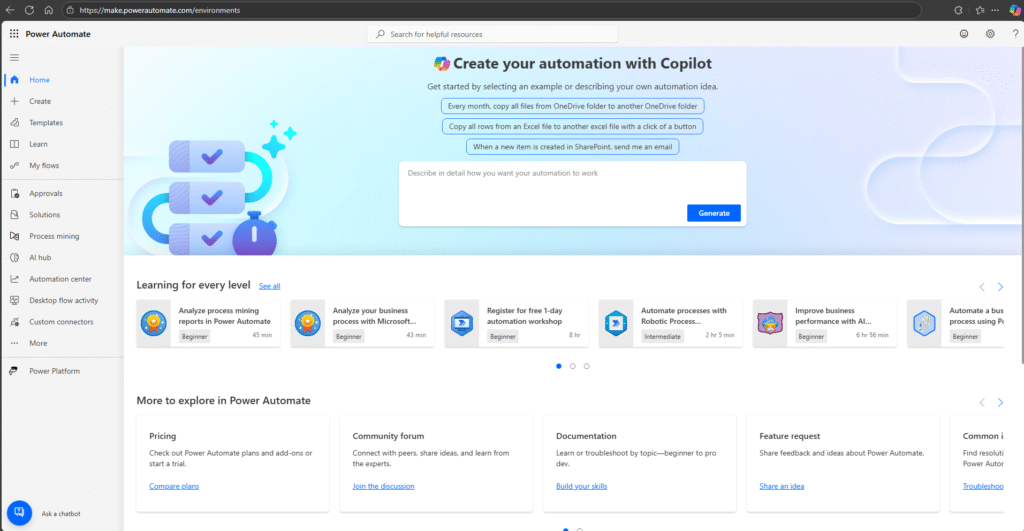
Automation tools that streamline repetitive tasks and connect systems across your organisation. Power Automate enables workflows such as approvals, notifications, data synchronisation, and document routing. It integrates with Microsoft 365, SharePoint, Dynamics, and hundreds of third-party services.

Robust document management and collaboration tools that integrate directly with Power Apps and Power Automate. SharePoint allows for version control, access permissions, and metadata tagging — perfect for contract management, HR documentation, and project files.

We connect Power Platform with your existing tools and systems — from CRMs like Salesforce and HubSpot to finance platforms like Xero and Sage. Using pre-built connectors and custom APIs, we ensure seamless data flow between Power Platform and your wider digital ecosystem, reducing duplication and improving visibility across departments.
Intelligent automation and predictive insights using AI Builder and Power Automate. From invoice processing and sentiment analysis to image recognition and forecasting, our AI solutions help you make smarter decisions faster. These tools are especially powerful when combined with Power BI for visual analytics.
View Our Other Case Studies
Real results for real businesses

Policy Management App
- 60% increase in policy update productivity
- Full visibility of tasks and acknowledgments
- Automated reminders reduce missed reviews by 80%
Read Study

Audit Integration
- 50% reduction in manual audit handling
- Site visibility across all audit sites
- Automated Client email delivery
Read Study

Recruitment Documents
- 75% reduction in HR processing time
- Error-free submissions with data validation
- Remote completion and digital signatures
Read Study

Integrated Management System
- 30% reduction in missed deadlines
- Automated notifications and timeline tracking
- Improved cross-team accountability and compliance
Read Study

Site Mobilisation
- 40% faster project start times
- Automated task creation for mobilisation workflows
- Instant workspace creation
Read Study

Asset Manager
- Eliminated manual data entry with Intune sync
- Automated PAT testing reminders for compliance
- Real-time dashboards for asset status and alerts
Read Study
FAQ
Yes. Power Platform can connect with lots of third party tools, through external API’s.
Absolutely. Power Apps are mobile-friendly and can work offline, making them ideal for field use.
Depending on complexity, most apps can be developed and deployed within a few weeks.
No. Power Platform is designed for low-code development, enabling non-technical users to manage and update apps with minimal support, however we do offer maintenance and support packages for piece of mind
