What Are Power Apps

Microsoft Power Apps is a suite of tools designed to help businesses build custom applications quickly and efficiently. Whether you’re looking to digitise manual processes or connect data across departments, Power Apps offers a flexible, scalable solution.
What is PowerApps

Power Apps is a low-code platform from Microsoft that empowers organisations to create tailored business applications without the need for extensive coding. It enables teams to rapidly build solutions that address specific operational challenges, helping to reduce development time and improve agility. Power Apps is part of the broader Power Platform, which includes Power BI, Power Automate, and Power Virtual Agents, all designed to enhance productivity, streamline workflows, and support data-driven decision-making across the business.

Canvas App

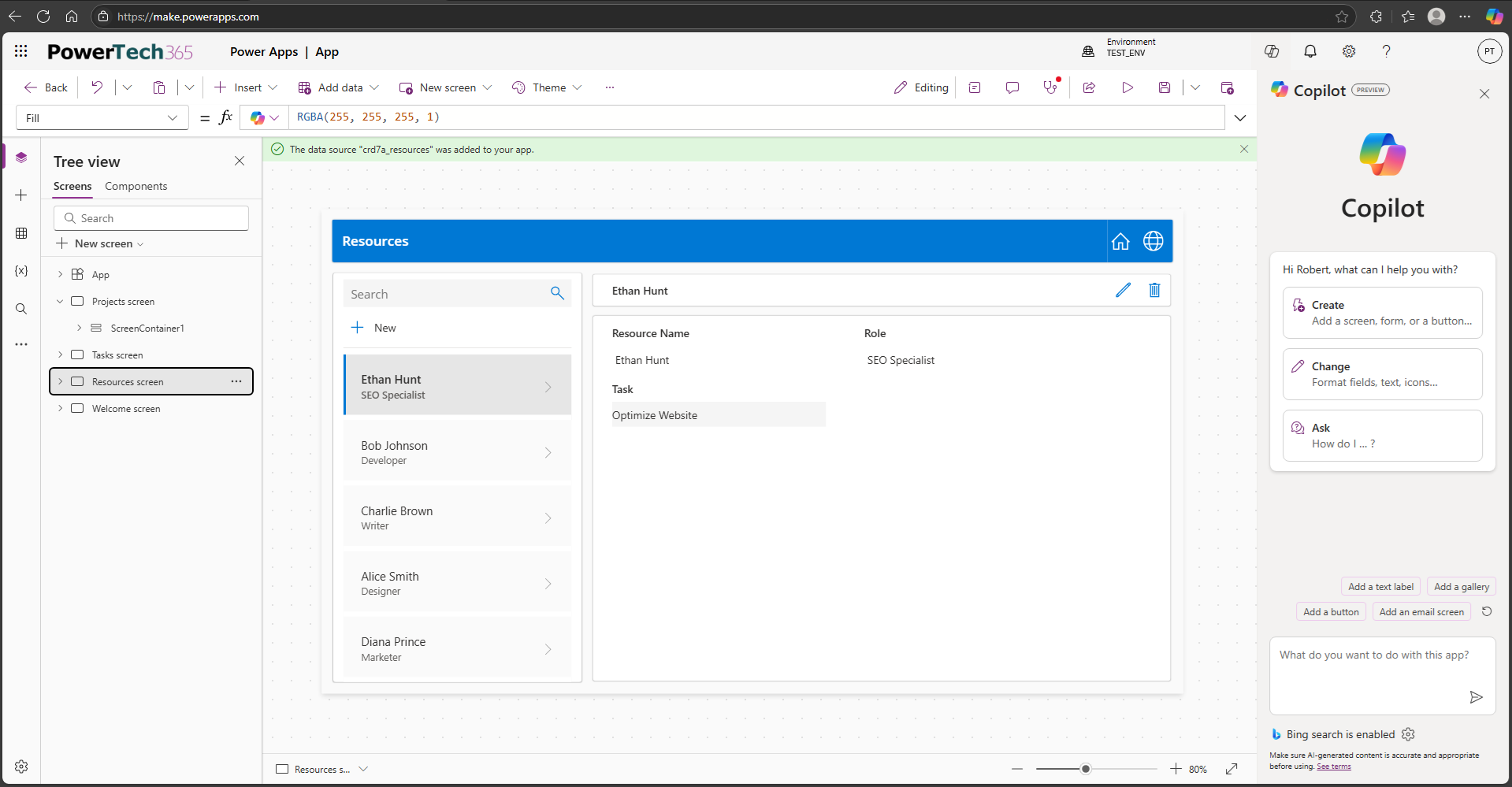
Canvas Apps allow users to create highly customised user interfaces by dragging and dropping elements onto a blank canvas. This design-first approach gives complete control over layout, branding, and user experience, making it ideal for mobile-first or task-specific applications. Businesses can tailor workflows precisely to their operational needs, whether it’s capturing field data, managing approvals, or streamlining internal processes. With support for over 500 data connectors, Canvas Apps can integrate seamlessly with Microsoft 365, Dynamics 365, and third-party platforms, enabling rich functionality without compromising on design flexibility.

Design Control

Build visually rich applications with fully customizable layouts that match your business needs.

Multiple Data Sources

Seamlessly integrate with SharePoint, Dataverse, Excel, SQL Server, and third-party services for dynamic workflows.

Mobile-Friendly

Optimized for desktop, tablet, and mobile to ensure seamless access across all devices.

Task Based

Perfect for task-based applications, mobile data entry, and interactive dashboards, enhancing efficiency and usability.

Rapid Development

Quickly build and deploy applications with minimal coding using the intuitive low-code Power Apps environment.

Model-Driven Apps

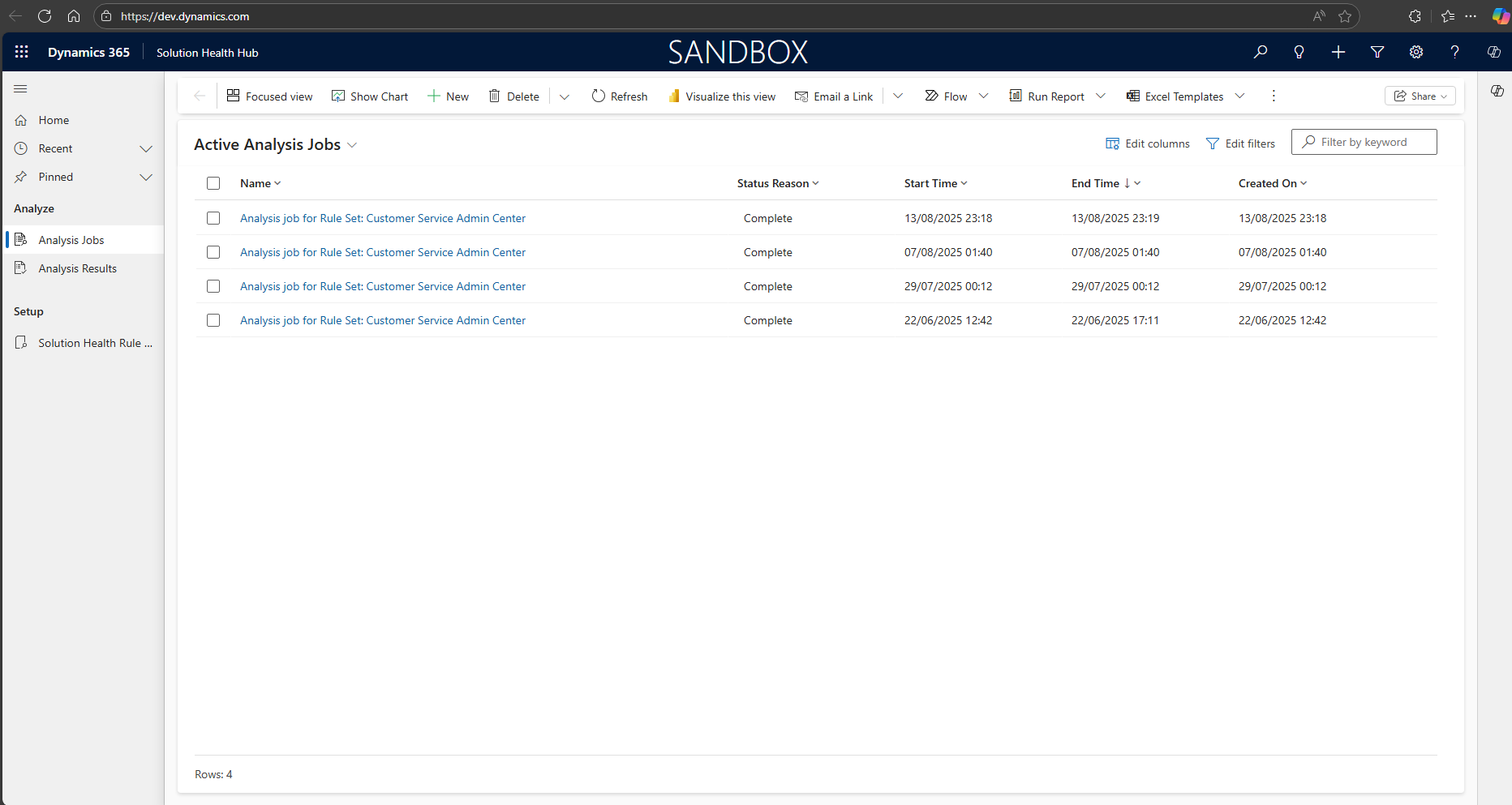
Model-Driven Apps are built on Microsoft Dataverse and follow a data-driven architecture, meaning the app’s structure is automatically generated based on the underlying data model. These apps are ideal for scenarios where business logic, security roles, and complex relationships between entities are central to the solution. Unlike Canvas Apps, where the interface is manually customised, Model-Driven Apps provide predefined layouts and components optimised for consistency, scalability, and enterprise-grade functionality. They are particularly well-suited for CRM-style applications, case management systems, and any solution requiring robust data governance and process automation.

Predefined UI

Automatically adjusts layouts based on the data structure, reducing manual design effort and streamlining app development.

Advanced Business Logic

Supports workflows, automation, and role-based security, ensuring seamless operations and improved efficiency.

Scalable & Enterprise-Ready

Ideal for structured business processes such as customer management, project tracking, and case handling, designed for long-term scalability.

Enterprise Business

Perfect for enterprise applications, workflow-driven solutions, and organizations managing complex data relationships.

Built-in Analytics & Reporting

Integrates seamlessly with Power BI and reporting tools, enabling real-time insights, performance tracking, and optimized decision-making.

How Power Apps Integrates into Your Business

Power Apps integrates seamlessly with:

Microsoft 365 (e.g. SharePoint, Outlook, Teams)

Dynamics 365 (CRM and ERP systems)

Dataverse (Microsoft’s secure data platform)

External systems via connectors (e.g. Salesforce, SAP, SQL Server)

This means your apps can pull data from multiple sources, automate tasks, and provide real-time insights, all within a secure Microsoft environment.

FAQ

What are Canvas Apps and how do they differ from Model-Driven Apps?

Canvas Apps are built using a design-first approach, allowing full control over layout and user experience. You start with a blank canvas and add interface elements manually. Model-Driven Apps, by contrast, are generated based on your data model and are ideal for structured, process-driven applications.

Can Canvas Apps be used across mobile, tablet, and desktop devices?

Yes. Canvas Apps are responsive by design and can be used on smartphones, tablets, and desktops. You can optimise layouts for different screen sizes to ensure a seamless user experience across platforms.

Is it possible to customise the look and feel of a Canvas App?

Absolutely. Canvas Apps offer full control over layout, colours, branding, and user interface elements. This makes them ideal for customer-facing apps or internal tools that need to align with your organisation’s visual identity.

Can Canvas Apps be integrated with automated workflows?

Yes. Canvas Apps work seamlessly with Power Automate, allowing you to trigger workflows based on user actions, data changes, or external events. This enables automation of approvals, notifications, and data processing.

Get In Touch

Let’s see if we can help with your next project

Get In Touch

Let’s talk. Send us a message, and we’ll help you explore the best Power Platform solution for your business

We can turn your mondain tasks into effective workflows, saving you and your business time and money